Email - Columns (v4)
eAdventist's Version 4 email editor can create columns that are "responsive" - the layout automatically adapts to the size of screen you view it on.
Adding a Layout block
To create columns, add a Layout block and choose the type of columns:
- Single column
- Two columns
- Three columns
- Four columns
- 60/40
- 40/60
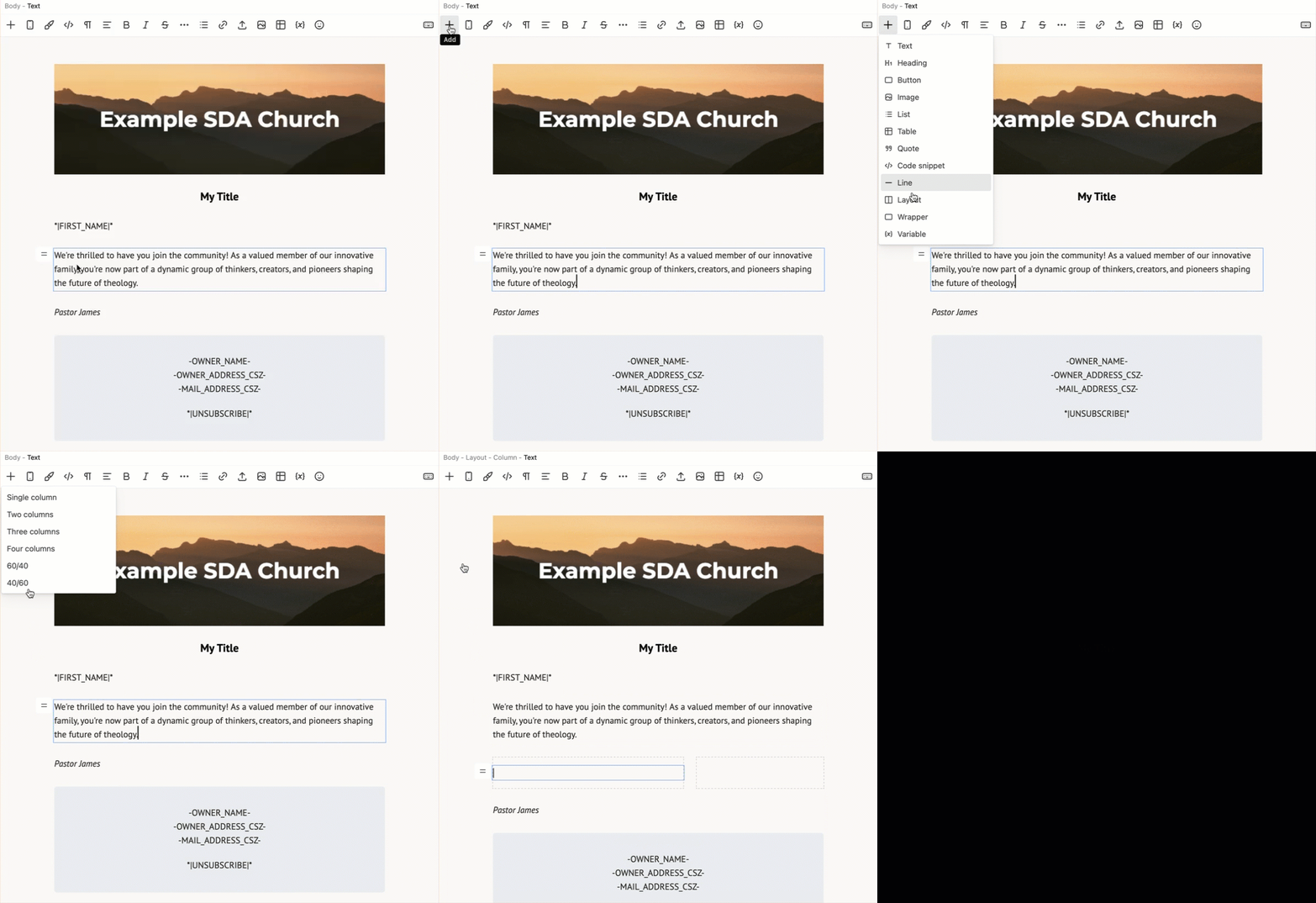
This creates a Layout block, which contains the Column blocks. Each of the Column blocks initially contains a Text block.
Editing Columns
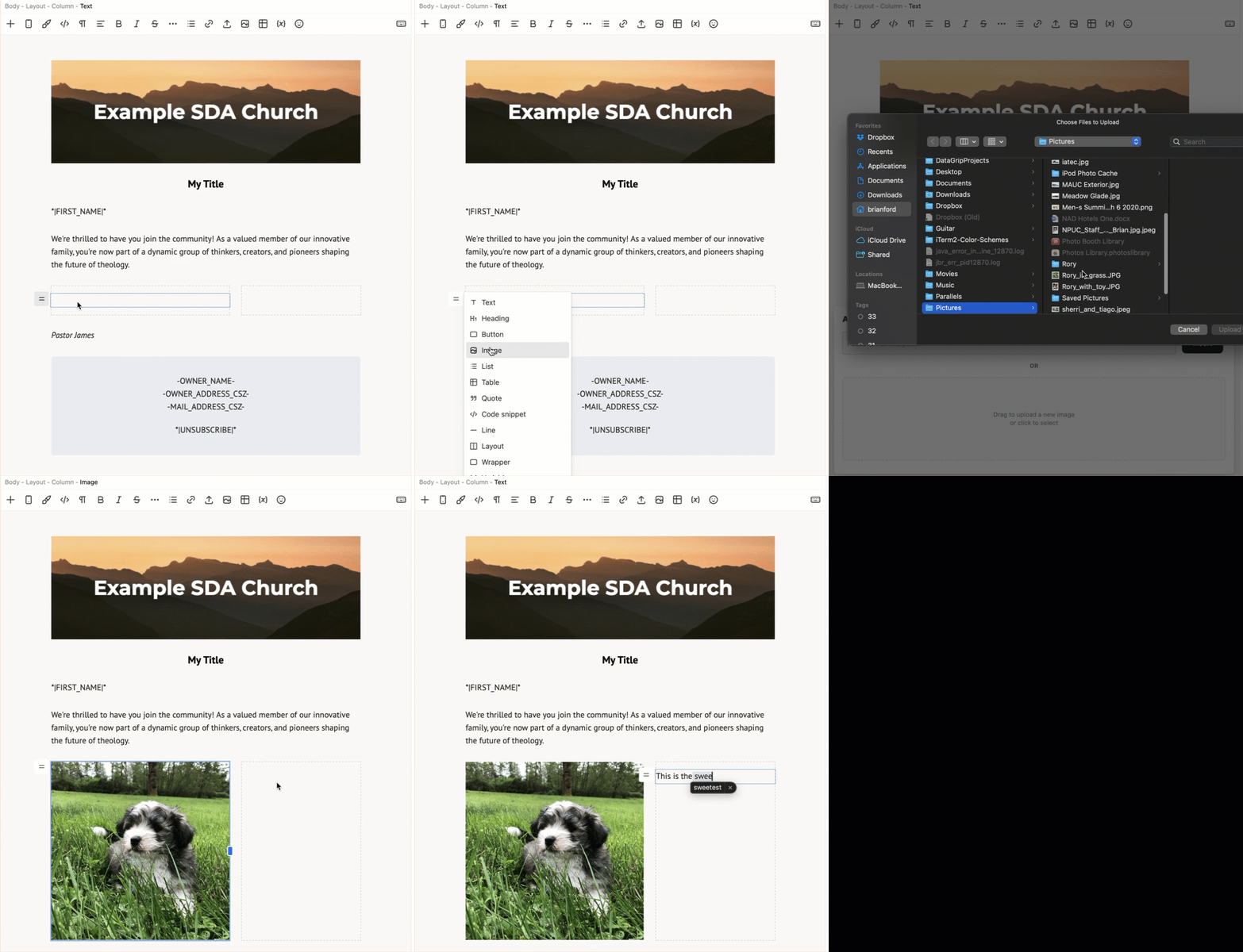
Add content to each Column block just like you add content to the main Body. For example, we can add an image to the left column and text to the right column.
Deleting a Layout block
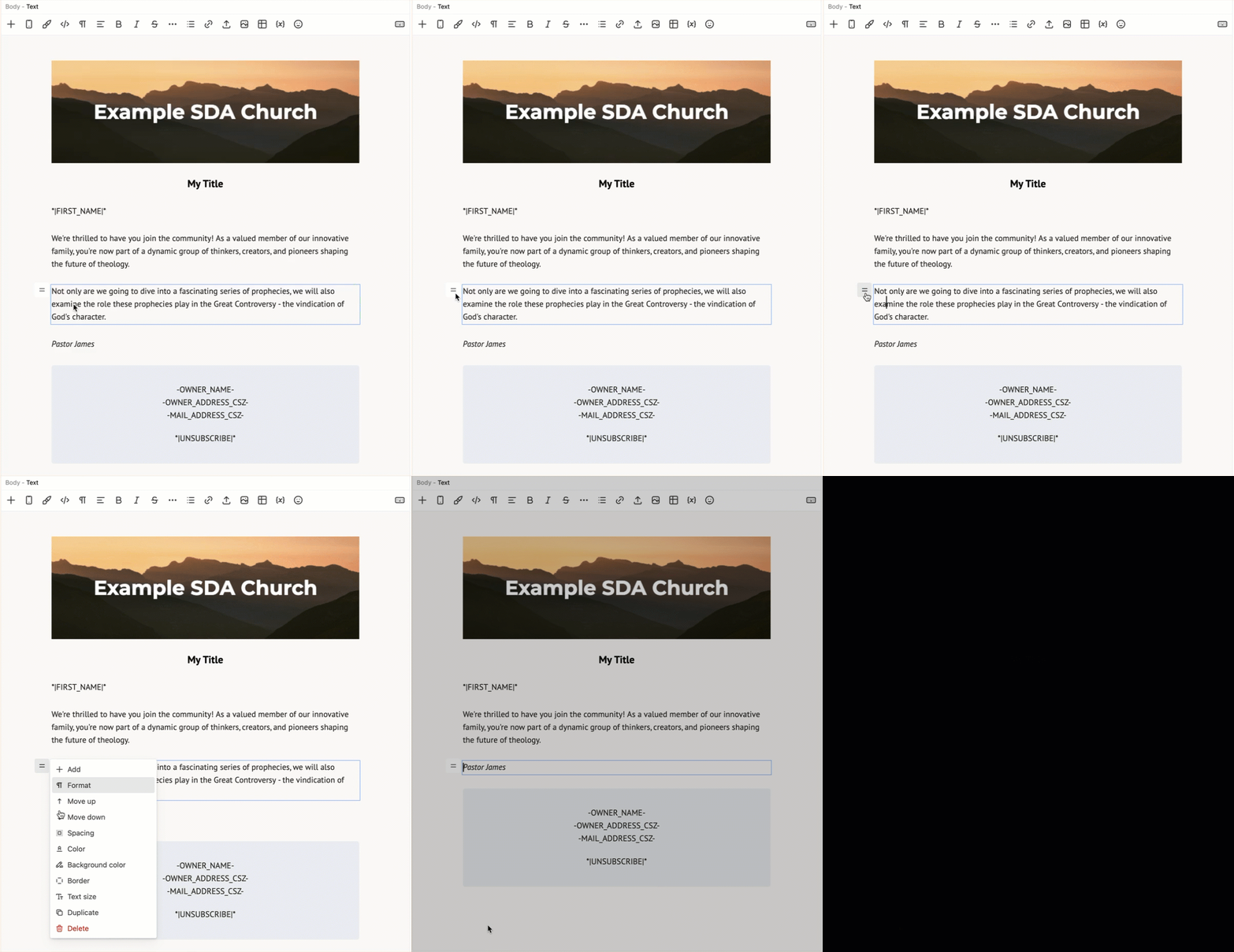
To delete a Layout block, select an element (e.g. Text, Image), click the element's Block Menu button and choose "Select layout". Now click the layout's Block Menu button and choose "Delete".