Email - Links and Buttons (v4)
eAdventist's Version 4 email editor allows you to add a Link to any text or image in your message. A Button is a special type of Link that serves as the CTA ("call to action") for your message.
Adding a Link to Text
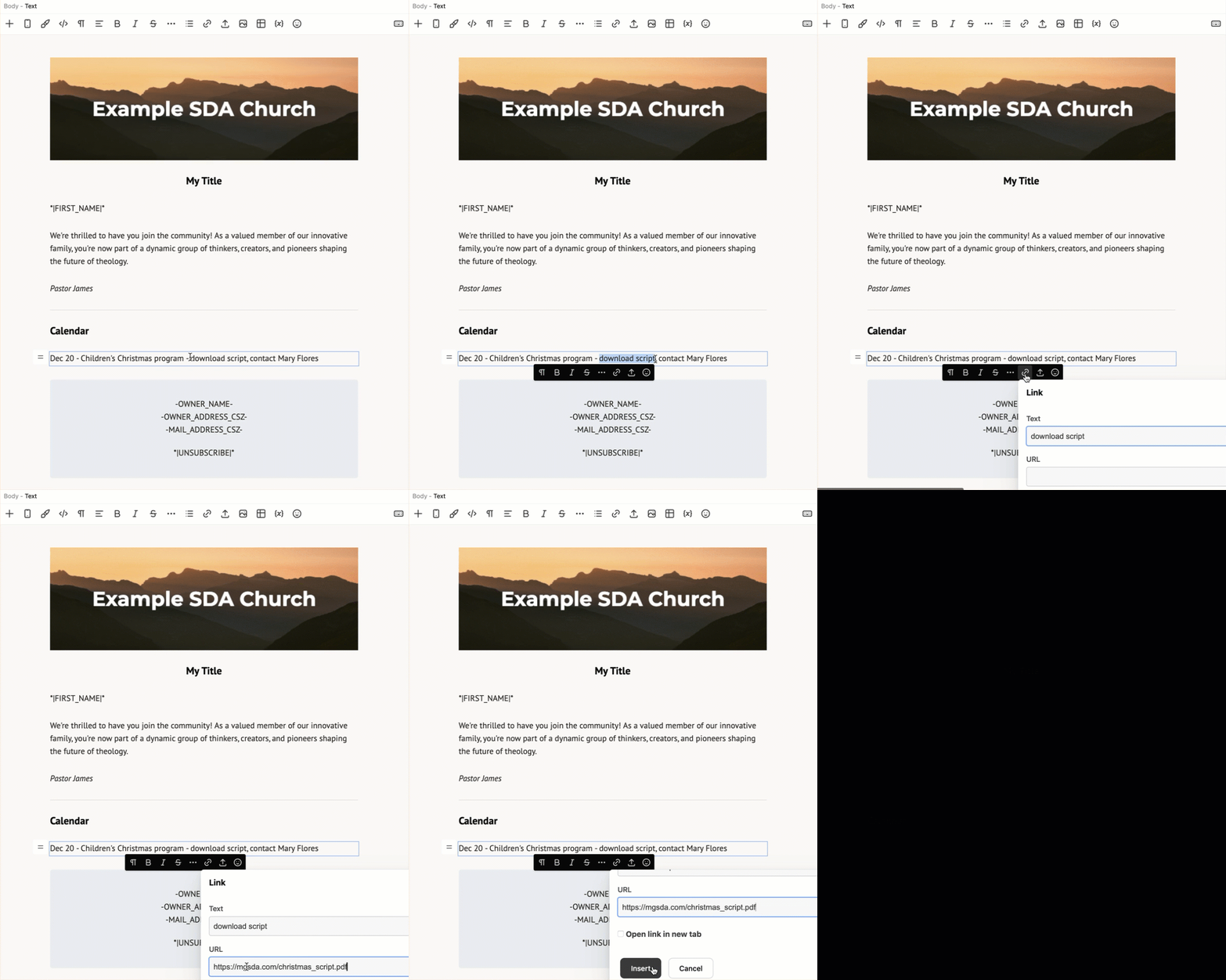
Add a link to any text by selecting the text and clicking on the "Link" icon in the context toolbar.
TIP: To create an email link, start the URL with "mailto:".
For example, "mailto:mary_flores@zmail.com".
Adding a Link to an Image
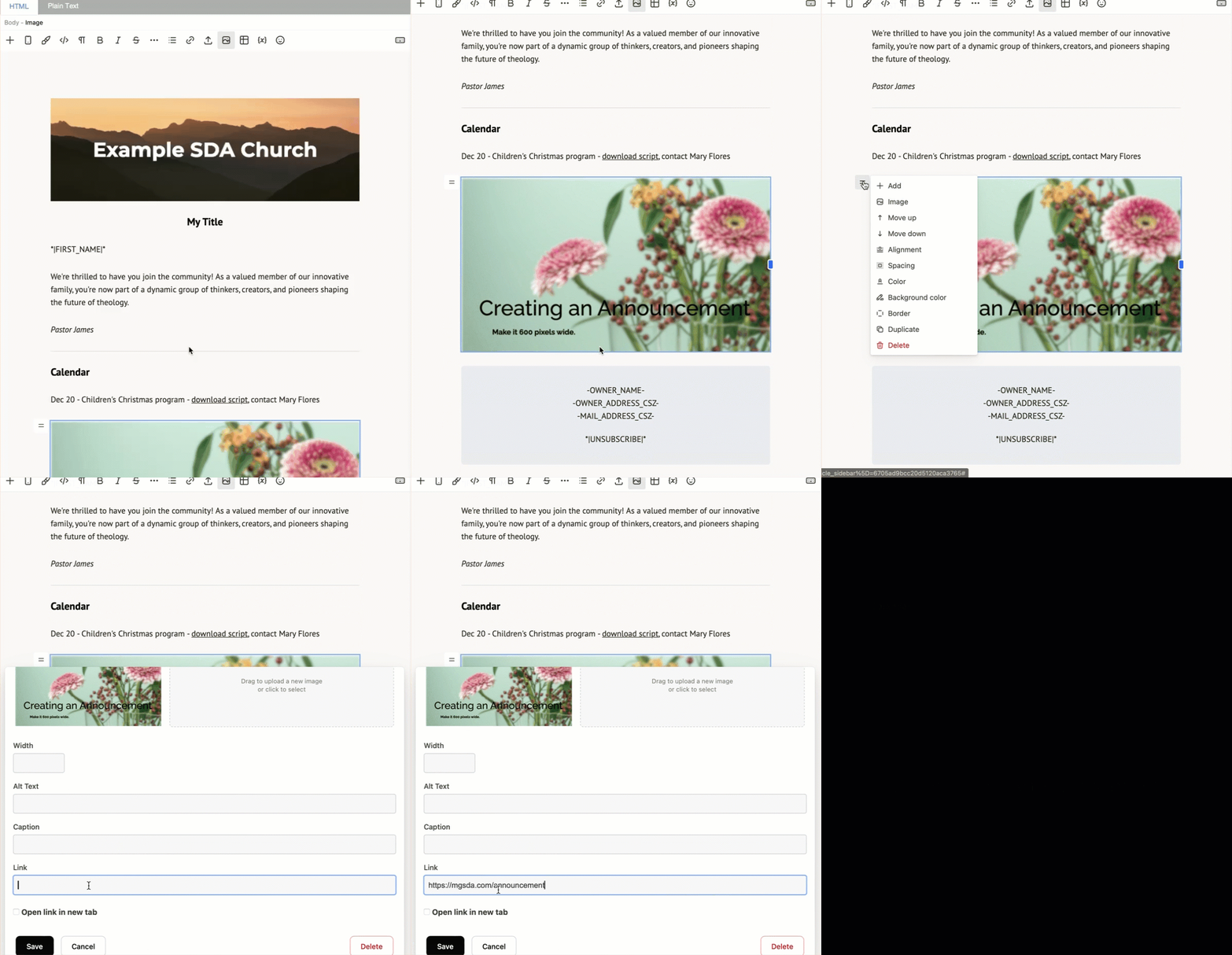
To add a link to an Image, click the Block Menu button, select "Image" and add the link in "URL".
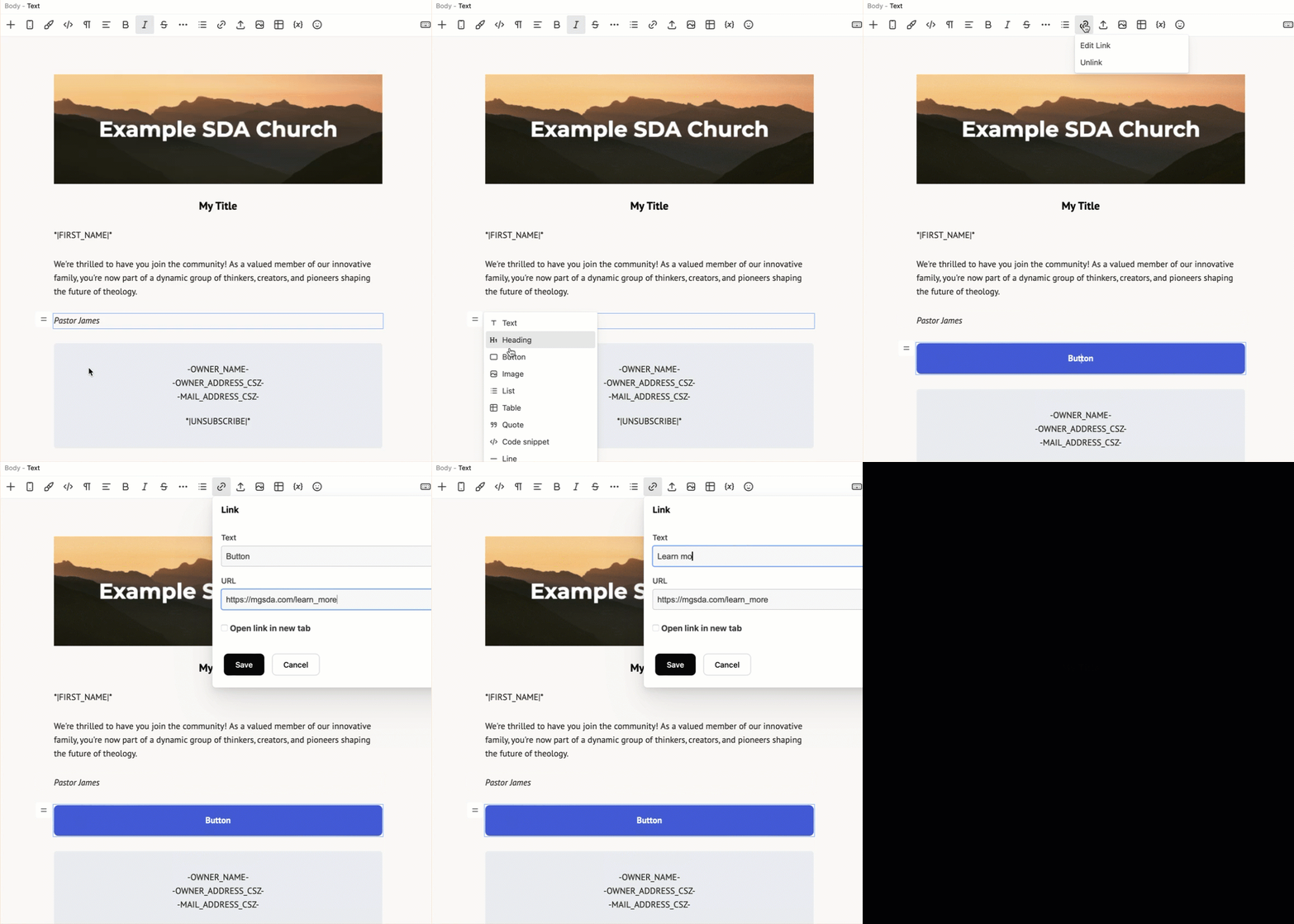
Adding a Button
A Button is actually created as a Text Block - with a blue background that looks like a button that is the full width of your message. The button's "caption" is Text that has a Link that you will edit.