Email - Layout basics (v4)
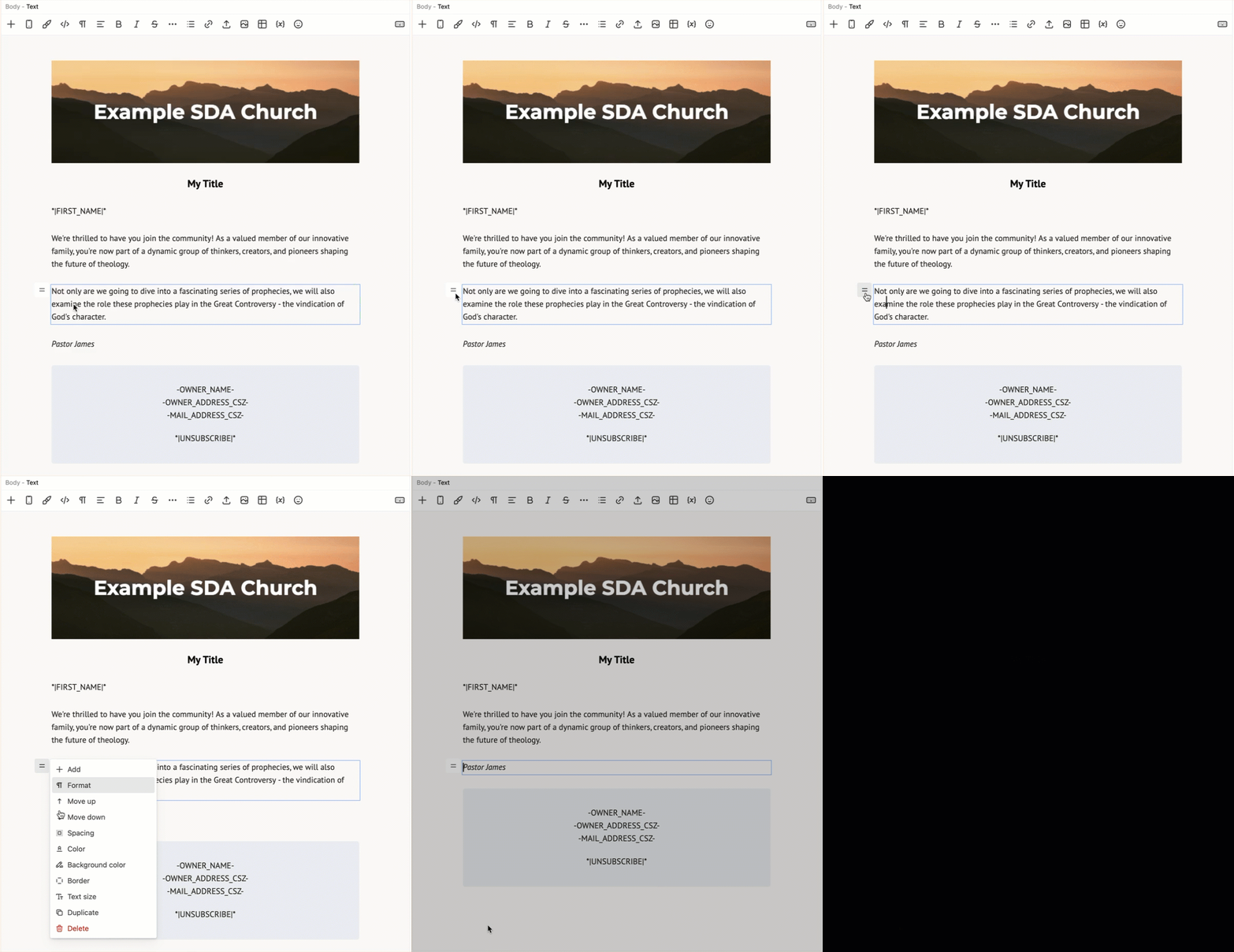
eAdventist's Version 4 email editor creates your message as a series of blocks. A typical message layout will include:
- An Image block for the email banner
- A Heading block for the title
- Several Text blocks for the greeting, body and signature
- A group of Text blocks in a Wrapper block for the email footer
Adding a Block
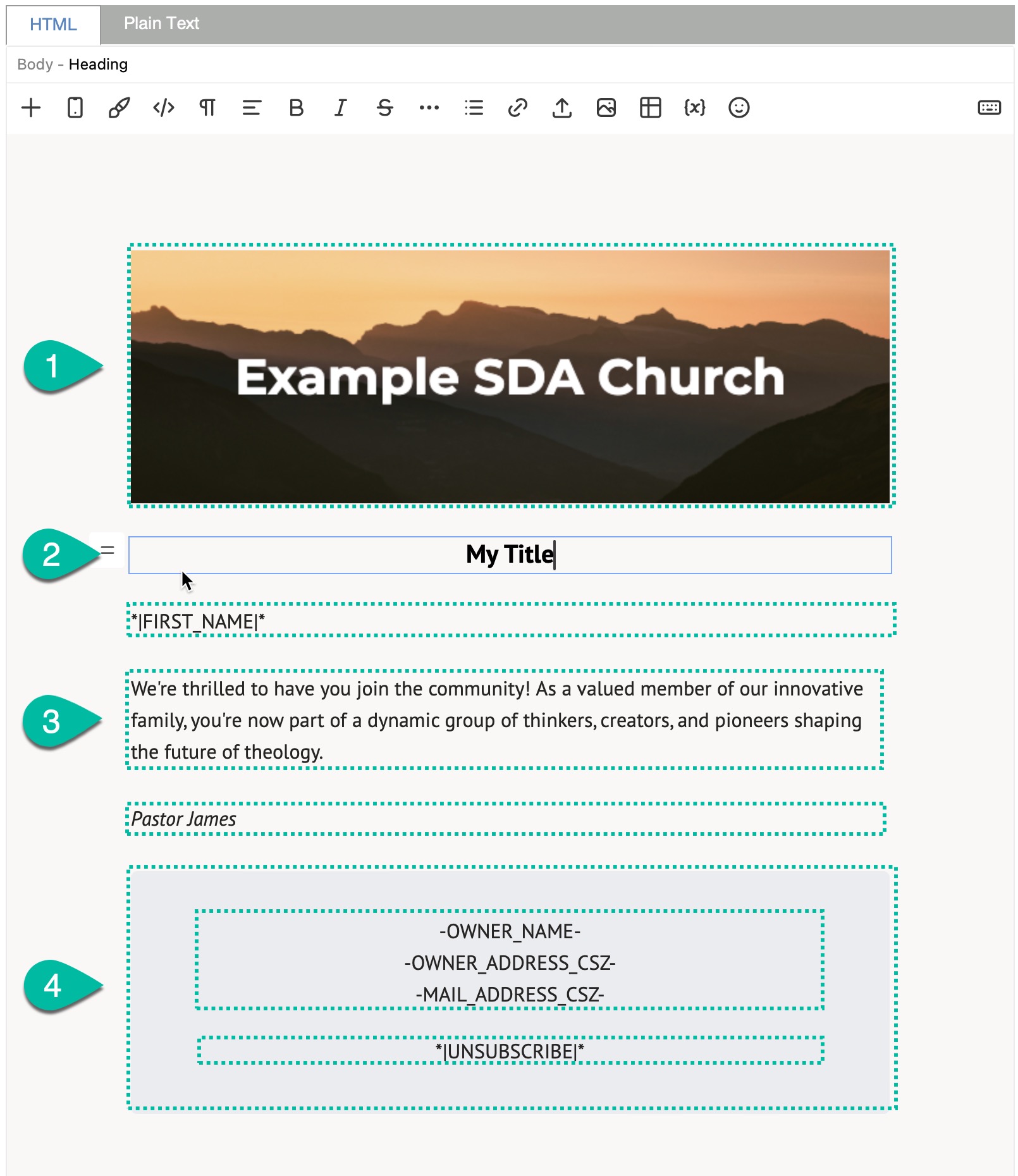
To add a block, position your cursor, click the "Add" button in the toolbar and select the type of block.
Reposition a Block
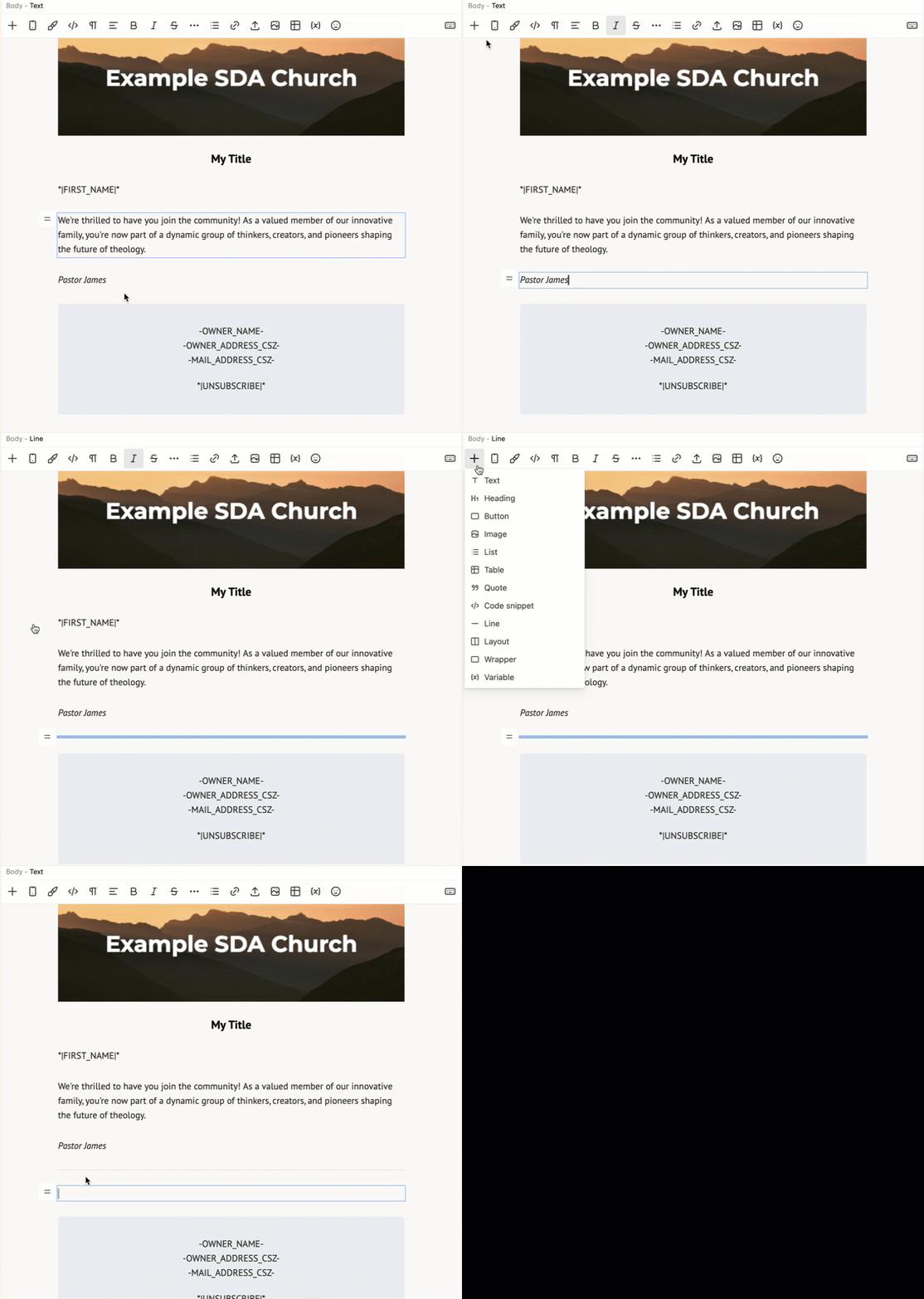
To move a block up or down in the layout, select the block, click and drag the block menu button.
Delete a Block
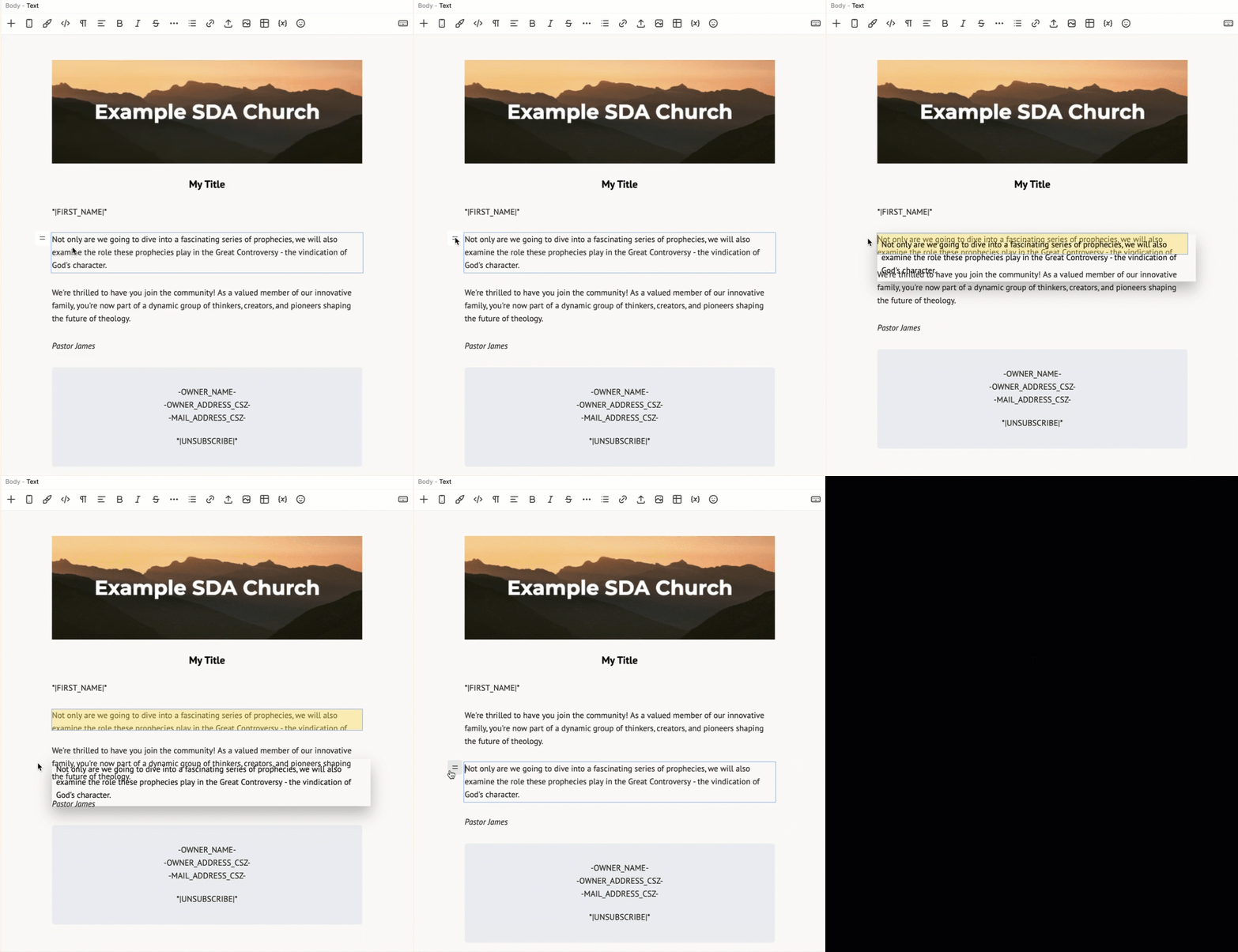
To delete a block, click the block menu button and select "Delete".